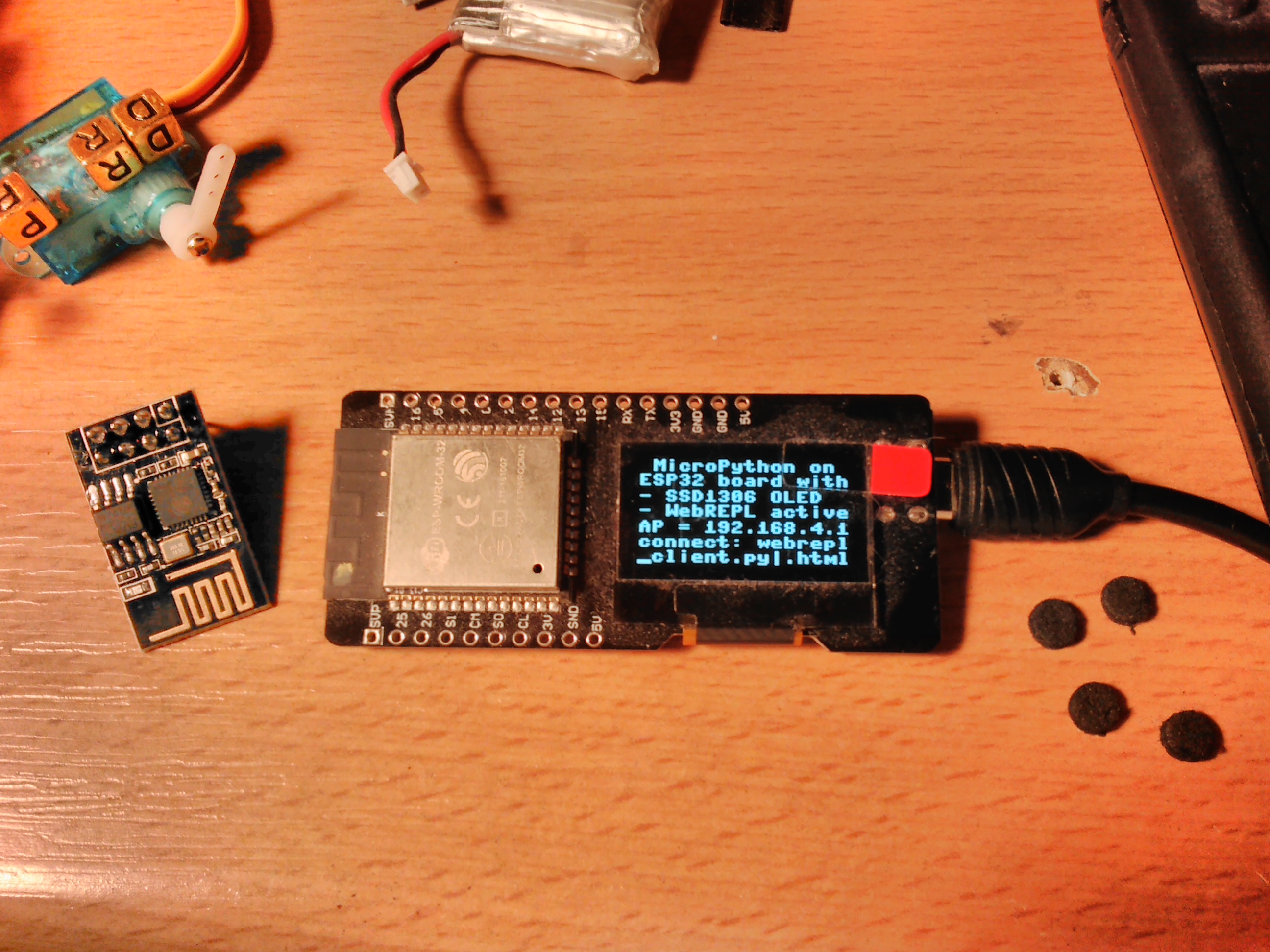
Re: Micropython as debug shell for ESP32 (and its OLED)
Posted: Fri Mar 02, 2018 6:01 pm
6 weeks ago I did kill my 2nd ESP32+OLED module due to bad soldering. I ordered two new modules that day, and they arrived today:
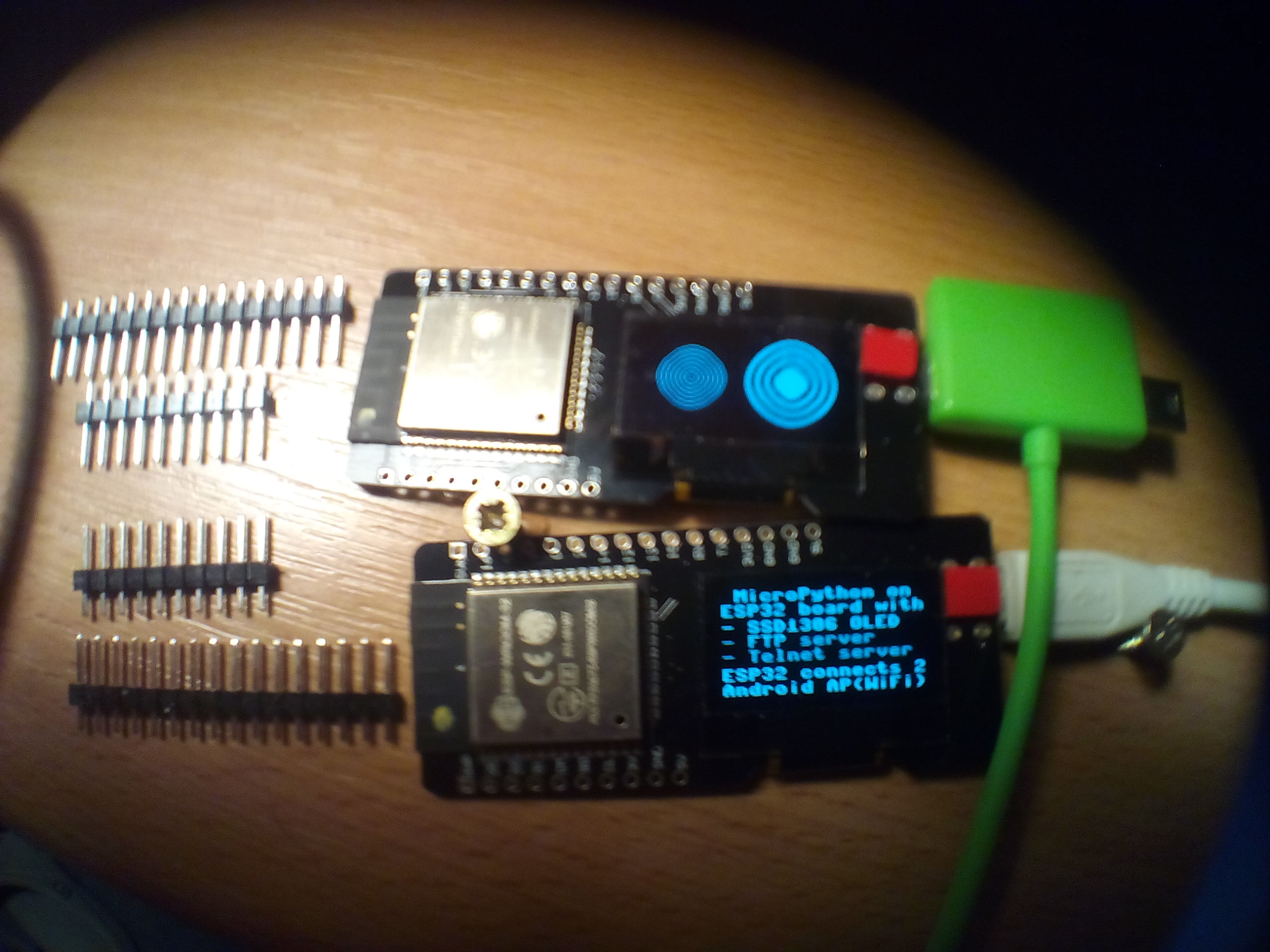
I looked into this thread and the steps needed to get my "debug MicroPython" flashed seem not to be completely described.
This is how I did flash the bottom module today, the top module still runs the graphics demo application as arrived here:
Next step is to repeat these steps with the other new module.
I looked into this thread and the steps needed to get my "debug MicroPython" flashed seem not to be completely described.
This is how I did flash the bottom module today, the top module still runs the graphics demo application as arrived here:
- download and extract the .zip attached above
- modify flash.sh, then run ./flash.sh
- run "screen /dev/ttyUSB0 115200"
- press reset button on module
- copy below from boot.py and paste into screen session
- enable wireless access point on my smartphone
- connect laptop to smartphone AP as well
- click on both connected mac addresses in Android to identify ESP32 IP address
- ftp into ESP32 with "ftp 192.168.43.227" from laptop
- cd flash
- upload with "put boot.py" to ESP32
- in screen session do "machine.reset()" to reboot ESP32 into new boot.py
Code: Select all
import sys
sys.path[1] = '/flash/lib'

import network
station = network.WLAN(network.STA_IF)
station.active(True)
station.connect("HUAWEI Y360-U61_8621", "verySecret")

import machine

network.ftp.start()
Next step is to repeat these steps with the other new module.